
Online Keyboard Tester
0
Keys Pressed
0
Keys Tested
Free Online Keyboard Tester – Test Every Key Instantly
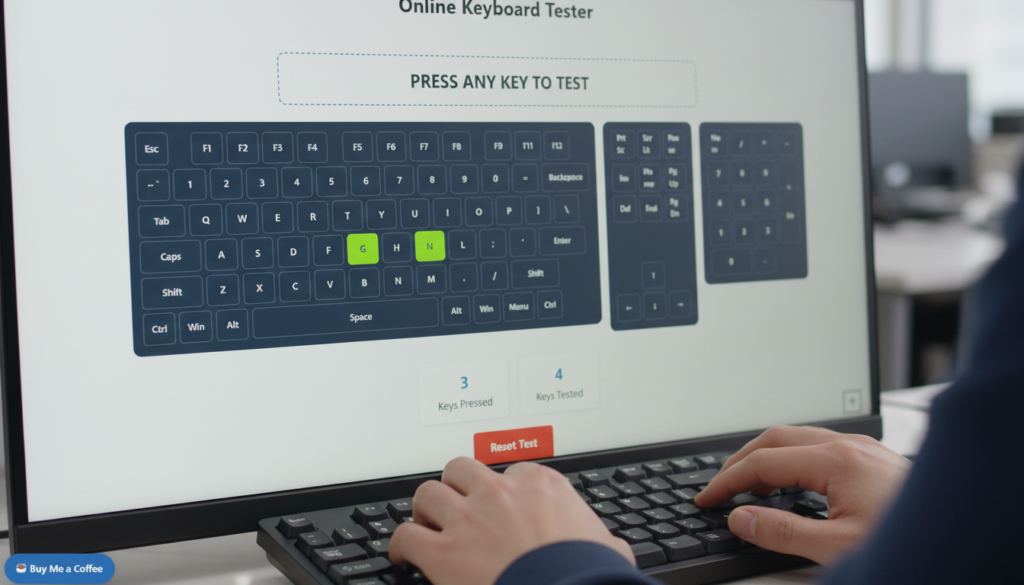
Test your keyboard online with real-time visual feedback, millisecond-accurate timing, and complete privacy. This free keyboard tester instantly shows which key you’re pressing, helping you detect unresponsive keys, latency issues, and hardware problems—without installing anything.
Works on Windows, Mac, and Chromebook. Supports full-size keyboards, number pads, function keys, and key combinations.
Why Use This Online Keyboard Tester?
Whether you’re troubleshooting, gaming, or testing a new keyboard, this tool tells you the truth fast.
Real-Time Visual Key Detection
As soon as you press a key, it lights up on the virtual keyboard with instant visual confirmation. You’ll always know exactly what key is being pressed, even during fast typing or complex key combinations.
Perfect for:
Precision Timing
Every key press and release is logged with millisecond-level timestamps.
This makes the tool ideal for:
If timing matters to you, this tool shows it—no guessing.
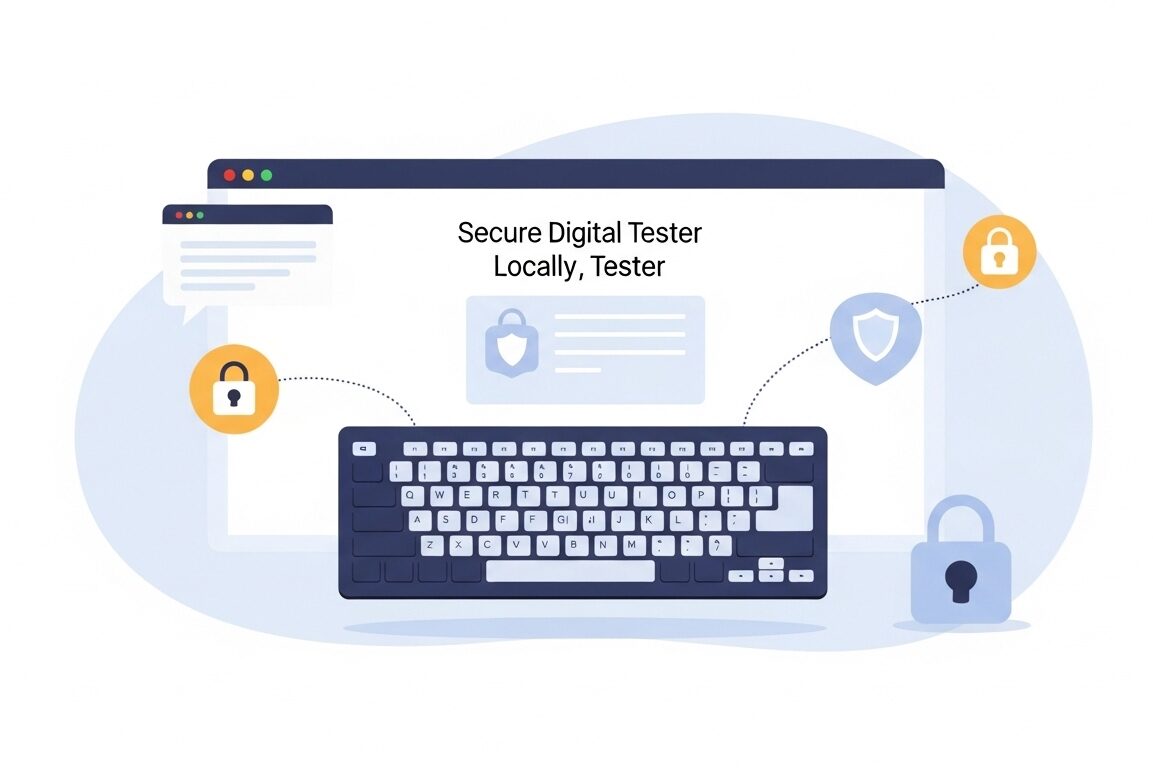
100% Private. Runs in Your Browser.
Your privacy is not optional it’s built in.
What you type stays on your device. Period.
How to Test Your Keyboard (3 Simple Steps)
1. Start Testing
Click the “Start Testing” button to begin keyboard monitoring.
2. Press Any Key
Type normally and watch keys light up instantly with precise timing data.
3. Export Your Results
Download your test data as:
- CSV
- TXT
- Or copy directly to your clipboard
Perfect for analysis, reports, or troubleshooting documentation.
Professional Gaming and Performance Testing
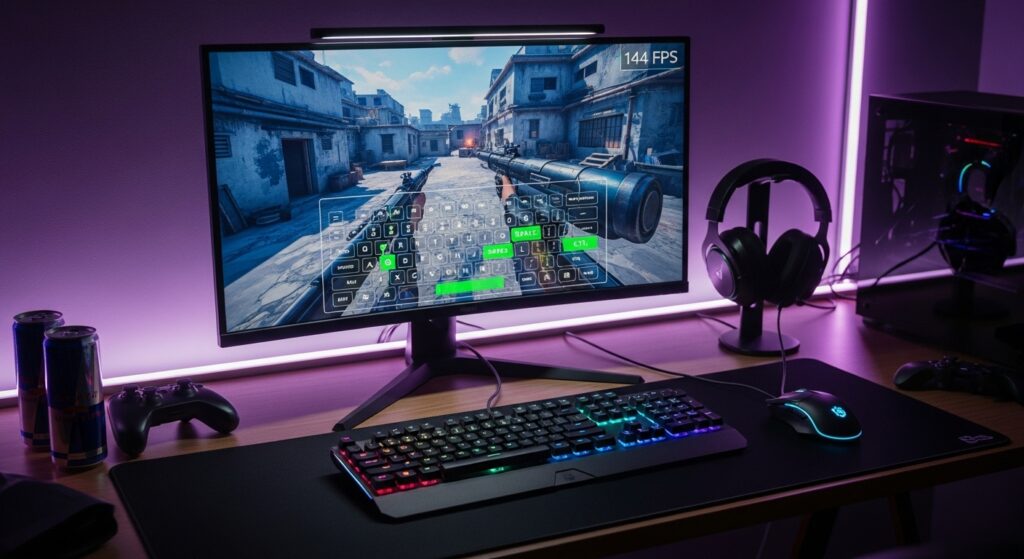
For gamers and performance-focused users, accurate input and display testing go hand in hand. While tools like an FPS test help evaluate in-game performance and refresh rate tests ensure smooth visuals, our keyboard tester confirms that every keypress is registered without delay. Many professionals also pair keyboard testing with a CPS test to measure clicking speed and a screen bleeding test to check display quality, ensuring their entire setup performs reliably under pressure.
Works with All Keyboard Types
This keyboard tester supports:
Compatible with:
- Windows
- macOS
- Chrome OS (Chromebooks)
International layouts included (QWERTY, AZERTY, QWERTZ, and more).
Common Uses for This Keyboard Tester
- Fix unresponsive or stuck keys
- Test gaming keyboard performance
- Verify new or repaired keyboards
- Check number pad functionality
- Measure key response time
- Diagnose wireless keyboard lag
If your keyboard feels “off,” this tool will show you why.
FAQs
How does the keyboard tester work?
It detects key press and release events directly in your browser and displays them with real-time visual and timing feedback.
What site shows your keystrokes without installing anything?
An online keyboard tester shows your keystrokes in real time directly in your browser. No download or installation is required.
Do I need to install anything?
No. The tool works entirely online; just open it and start testing.
Can I export my keyboard test results?
Yes. You can export results as CSV or TXT or copy them to your clipboard.
Does it support full keyboards with number pads?
Yes. Number pads, function keys, navigation keys, and modifiers are fully supported.