Does More RAM Improve FPS in Games? A Real-World Gaming Performance Breakdown
Sometimes, but only under specific conditions. More RAM improves FPS only if your system is running out of memory or is misconfigured. If you already have enough RAM, adding more will not magically boost your frame rate. In most gaming PCs, FPS depends far more on the GPU and CPU than raw RAM capacity.
That’s the headline. Now let’s break down why, when, and how RAM actually affects gaming performance—without myths, marketing fluff, or wasted upgrade advice.
What RAM Does in Gaming (And What It Doesn’t)
RAM (Random Access Memory) acts as short-term working memory for your system. During gameplay, it temporarily holds:
- Game assets (textures, maps, shaders)
- Active background processes
- Operating system and driver data
RAM does not render frames. That’s the GPU’s job.
RAM’s role is to feed data quickly to the CPU and GPU so they can do their work without waiting.
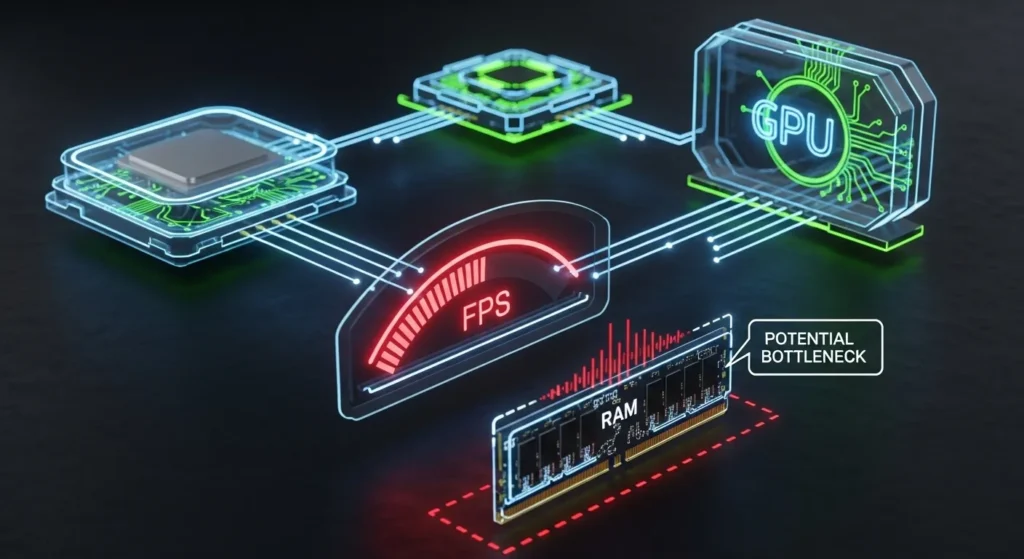
When RAM becomes a bottleneck, performance problems show up—not always as low average FPS, but as stuttering, hitching, and poor 1% low FPS.
When More RAM Does Improve FPS
1. When Your System Runs Out of RAM
If a game and your background processes exceed available system memory, Windows starts using the paging file (storage-based swap memory). Even on fast SSDs, this causes:
- Frame drops
- Stutters
- Input lag spikes
Common scenarios:
- 8GB systems playing modern AAA games
- Heavy Chrome/Discord usage while gaming
- Mods, texture packs, or large open worlds
In these cases, upgrading from 8GB → 16GB produces a clear and measurable improvement.
2. Open-World and Asset-Heavy Games
Modern open-world games load massive environments dynamically. Titles like large RPGs, flight simulators, and sandbox games can consume 12–16GB of system memory during long sessions.
Here, more RAM improves:
- Frame-time consistency
- Asset streaming smoothness
- 1% low FPS
Average FPS might barely change—but the game feels smoother.
3. Gaming While Streaming or Multitasking
If you game while running:
- OBS or recording software
- Browsers
- Voice chat
- Monitoring tools
Then 16GB can become tight.
Upgrading to 32GB doesn’t usually raise peak FPS but it prevents slowdowns and stutter during multitasking.
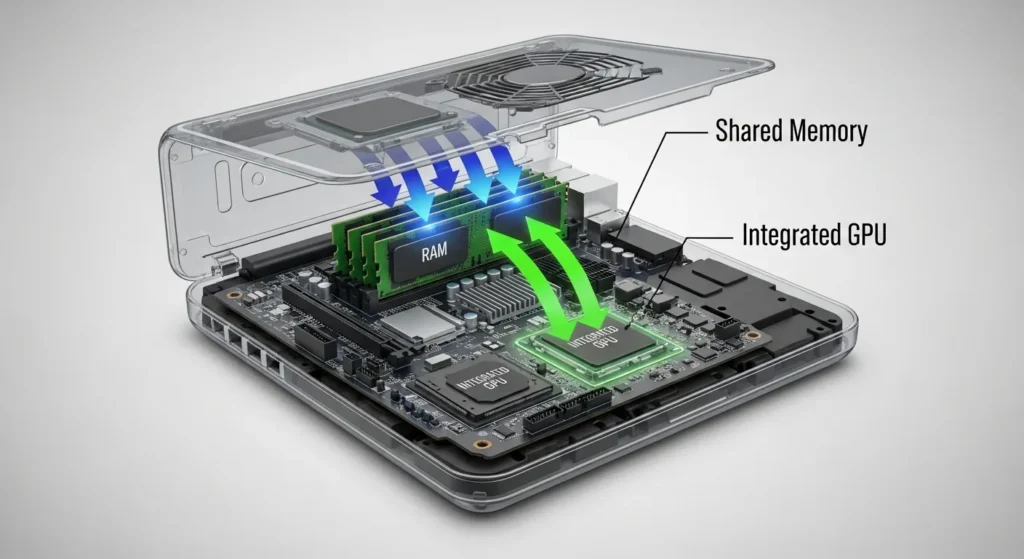
4. Integrated Graphics (APUs)
Systems using integrated graphics (iGPUs) are the exception.
Because integrated GPUs share system RAM as VRAM, both RAM capacity and speed directly impact FPS. In these systems:
- Dual-channel RAM is critical
- Faster memory noticeably boosts performance
- 32GB can outperform 16GB in some cases
When More RAM Does Nothing for FPS
If You Already Have Enough RAM
If your system:
- Has 16GB or more
- Isn’t hitting memory limits
- Shows low paging activity
Then adding more RAM will result in zero FPS gain.
If You’re GPU-Bound
When GPU usage sits near 95–100%, RAM upgrades won’t help. Your graphics card is already doing all it can.
In this case:
- Upgrade GPU first
- RAM capacity won’t move the needle
If the Problem Is Configuration, Not Capacity
Many users unknowingly run:
- Single-channel RAM
- Disabled XMP/EXPO profiles
- Mismatched memory sticks
In these situations, proper configuration beats adding more capacity.
RAM Capacity vs RAM Speed vs Dual-Channel
This is where most advice online falls apart.
RAM Capacity (GB)
Prevents memory overflow and stuttering.
RAM Speed (MHz)
Affects:
- CPU-bound games
- 1% and 0.1% low FPS
- Esports titles more than AAA games
Dual-Channel vs Single-Channel
This matters more than many people realize.
| Configuration | Real-World Impact |
|---|---|
| Single-channel RAM | Noticeable FPS loss |
| Dual-channel RAM | Full memory bandwidth |
Single-channel memory can reduce performance by 10–30% in CPU-heavy games.
How Much RAM Do You Actually Need for Gaming in 2026?
| Use Case | Recommended RAM |
|---|---|
| Esports (CS2, Valorant) | 16GB |
| Modern AAA gaming | 16GB minimum |
| Gaming + multitasking | 32GB |
| Streaming & content creation | 32–64GB |
| Integrated graphics systems | 32GB (fast RAM) |
The sweet spot for most gamers:
👉 16GB dual-channel, properly configured
Does RAM Speed Affect FPS?
Yes—but it’s situational.
RAM speed matters most when:
- Games are CPU-bound
- You’re using high-refresh-rate monitors
- You play competitive esports titles
It matters less when:
- GPU is the bottleneck
- Playing cinematic AAA games at high settings
RAM speed improves frame consistency more than peak FPS.
DDR4 vs DDR5: Does It Change FPS?
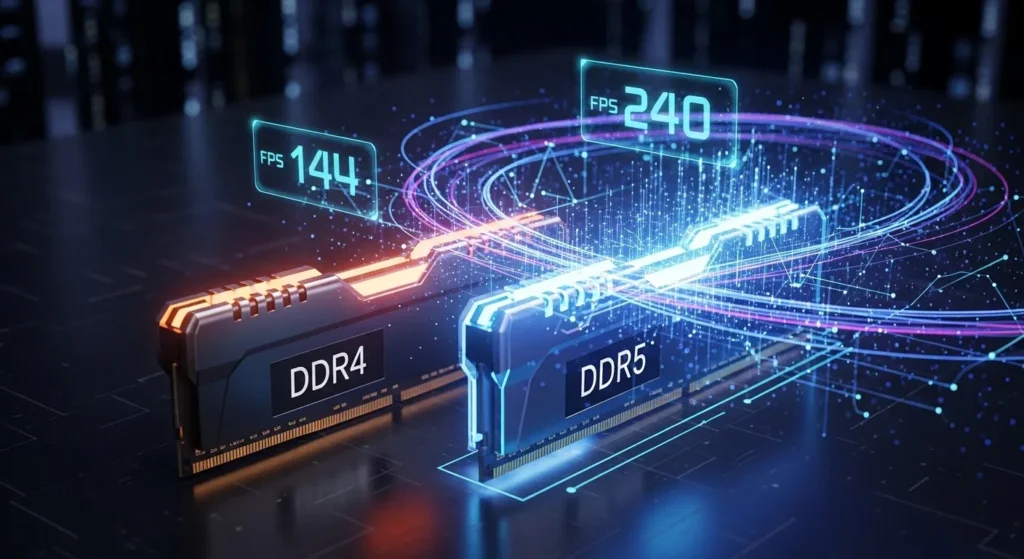
DDR5 offers higher bandwidth, but real-world gaming gains are modest unless:
- Paired with a modern CPU
- Running memory-sensitive workloads
- CPU-bound scenarios dominate
Upgrading from DDR4 to DDR5 alone rarely justifies the cost purely for gaming FPS.
RAM vs GPU vs CPU: What Should You Upgrade First?
Use this simple framework:
- GPU at 99% usage? → Upgrade GPU
- CPU cores maxed? → Upgrade CPU
- RAM usage near 100%? → Upgrade RAM
- Single-channel or slow RAM? → Reconfigure first
In most gaming systems, RAM upgrades are third or fourth priority, not first.
How to Check If RAM Is Limiting Your FPS
- Open Windows Task Manager
- Go to Performance → Memory
- Launch your game and play normally
- Watch for:
- RAM usage above 90%
- Frequent stutters during loading
- Paging file activity
If RAM usage is consistently maxed, an upgrade makes sense.
Common RAM Myths That Waste Money
- “More RAM always increases FPS” ❌
- “64GB is future-proof for gaming” ❌
- “RAM speed doesn’t matter” ❌
- “Any RAM stick will work together” ❌
Most performance problems come from wrong upgrades, not weak hardware.
Best Practices for RAM Upgrades
- Use matching RAM kits
- Enable XMP or EXPO profiles
- Always run dual-channel
- Check CPU memory controller limits
- Balance capacity with speed
Configuration mistakes can cost more FPS than insufficient RAM.
FAQs
Does upgrading from 8GB to 16GB improve FPS?
Yes. This is the most impactful RAM upgrade for modern gaming.
Is 16GB RAM enough for gaming in 2026?
For most gamers, yes—especially if properly configured.
Does 32GB RAM increase FPS over 16GB?
Usually no, unless you multitask heavily or stream.
Can RAM fix stuttering without increasing FPS?
Yes. RAM upgrades often improve smoothness and 1% lows.
Does RAM matter more for esports games?
Yes. CPU-bound esports titles benefit more from fast, dual-channel RAM.
Is 64GB RAM overkill for gaming?
For gaming alone, yes.
Should I upgrade RAM or GPU first?
GPU first, unless RAM usage is maxed or misconfigured.
Conclusion
More RAM does not automatically mean more FPS. RAM improves gaming performance only when it removes a memory bottleneck or fixes configuration issues. For most gamers, the real gains come from having enough RAM, running in dual-channel, with proper memory profiles enabled.
Before spending money, measure usage, identify bottlenecks, and upgrade with intention not assumptions. The smartest gaming upgrades are the ones you actually need.