FPS vs Refresh Rate: What Really Matters for Smooth Gaming Performance
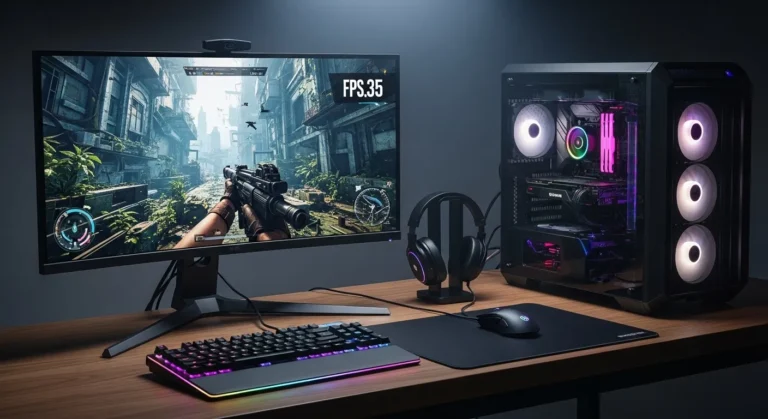
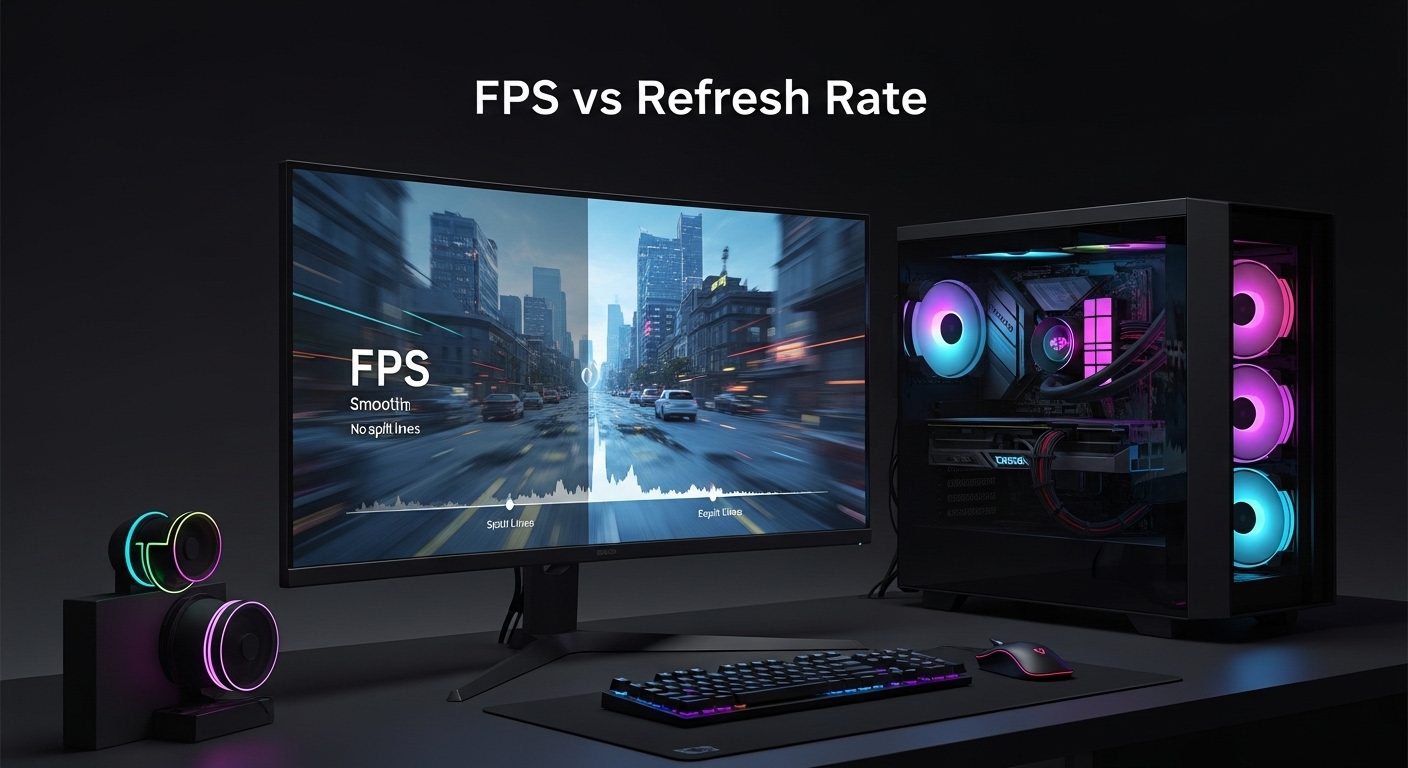
FPS vs. Refresh Rate explains the relationship between how many frames your system produces per second and how many frames your monitor can display. Smooth gameplay happens only when FPS and refresh rate are properly matched to your hardware and use case.
Introduction:
FPS vs. refresh rate confuses most gamers, creators, and even PC builders.
People spend money on powerful GPUs but still see stutter, tearing, or lag.
That frustration usually comes from misunderstanding how FPS and refresh rate interact.
This guide fixes that.
You will learn what actually controls smoothness, responsiveness, and visual clarity.
No hype.
No myths.
Just practical explanations that help you choose the right hardware and settings.
What Is FPS (Frames Per Second)?
FPS means Frames Per Second.
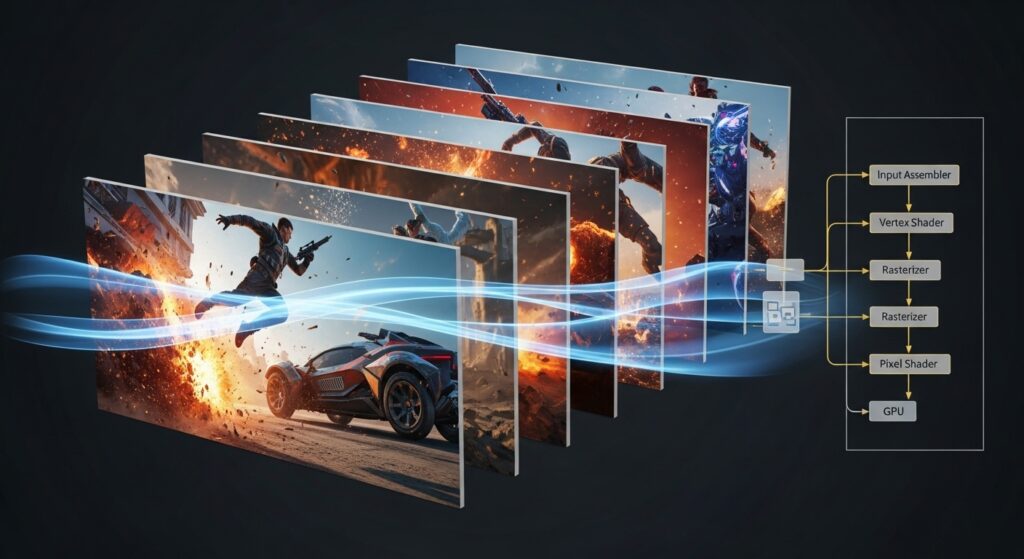
FPS measures how many images your computer generates every second.
FPS is produced by your GPU and CPU together.
Higher FPS means smoother motion and faster response.
Lower FPS causes choppy movement and delayed input.
Featured Snippet Answer
FPS is the number of frames your computer renders each second.
Higher FPS improves smoothness, motion clarity, and input responsiveness.
FPS Benchmarks (Real-World)
- 30 FPS feels playable but rough
- 60 FPS feels smooth for most users
- 120 FPS feels very fluid
- 144 FPS is ideal for competitive gaming
- 240 FPS is used in esports environments
What Is Refresh Rate?
Refresh rate is measured in Hertz (Hz).
Refresh rate tells how many times your monitor updates the screen per second.
A 60Hz display refreshes 60 times per second.
A 144Hz monitor refreshes 144 times per second.
Your monitor cannot show more frames than its refresh rate.
Featured Snippet Answer
Refresh rate is how often your monitor updates the image per second.
Higher refresh rates make motion look smoother and clearer.
FPS vs Refresh Rate: The Core Difference
FPS is generated by your computer.
Refresh rate is limited by your display.
FPS changes constantly during gameplay.
Refresh rate stays fixed unless changed in settings.
FPS above refresh rate is wasted visually.
Refresh rate above FPS shows duplicate frames.
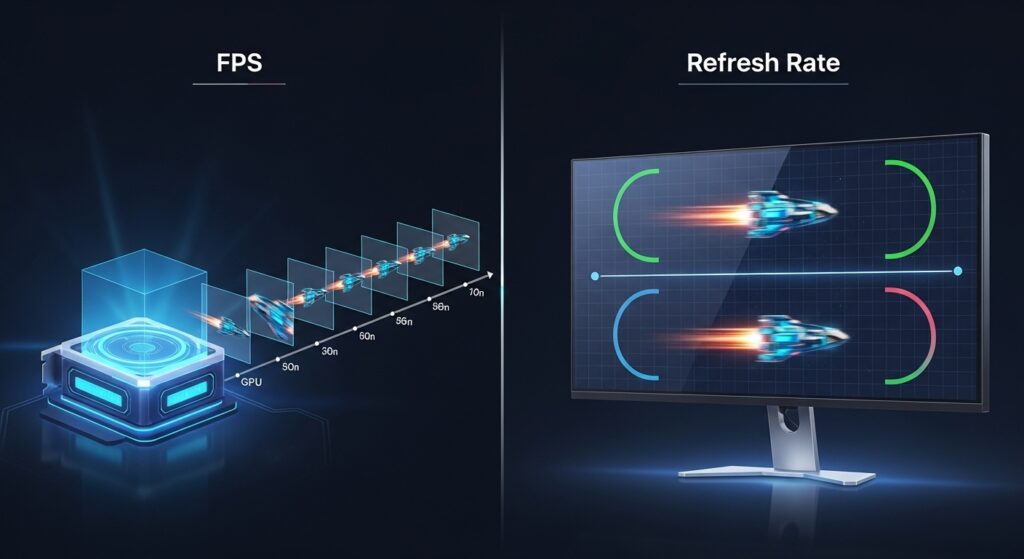
FPS controls frame creation, while refresh rate controls frame display.
Why FPS and Refresh Rate Must Match
Smooth gameplay depends on balance.
High FPS on a low refresh rate monitor causes screen tearing.
Low FPS on a high refresh rate monitor causes stutter.
Balanced values reduce visual artifacts and input delay.
Common Problems from Mismatch
- Screen tearing
- Micro-stuttering
- Input lag
- Frame pacing issues
Screen Tearing Explained (Why It Happens)
Screen tearing occurs when FPS exceeds refresh rate.
Multiple frames appear on screen at once.
This creates visible horizontal breaks.
Fast camera movement makes it worse.
How to Fix Screen Tearing (Procedural)
- Enable V-Sync
- Use G-Sync or FreeSync
- Cap FPS to refresh rate
- Upgrade to a higher Hz monitor
Input Lag: Why Competitive Players Care
Input lag is the delay between input and on-screen response.
Lower input lag improves reaction time.
Higher FPS reduces input latency.
Higher refresh rate also reduces latency.
Input Lag Statistics
- 60Hz ≈ 16.6ms per frame
- 144Hz ≈ 6.9ms per frame
- 240Hz ≈ 4.1ms per frame
FPS vs Refresh Rate for Competitive Gaming
Competitive gaming demands speed and clarity.
High FPS improves aiming precision.
High refresh rate improves motion tracking.
Together, they give faster reactions.
Best Competitive Setup
- 144 FPS + 144Hz (minimum serious play)
- 240 FPS + 240Hz (esports level)
Games That Benefit Most
- Counter-Strike 2
- Valorant
- Fortnite
- Apex Legends
- Call of Duty
FPS vs Refresh Rate for Casual Gaming
Casual gaming prioritizes visuals and stability.
Ultra-high FPS is not essential.
Consistent frame pacing matters more.
60 FPS on 60Hz is still enjoyable.
Best Casual Setup
- 60–75 FPS
- 60Hz or 75Hz display
- Higher graphics settings
GPU and CPU Impact on FPS
The GPU renders graphics.
The CPU processes logic and physics.
A weak CPU can bottleneck FPS.
A weak GPU limits frame output.
Bottleneck Indicators
- High GPU usage with low FPS = GPU limit
- High CPU usage with low GPU usage = CPU bottleneck
V-Sync vs G-Sync vs FreeSync
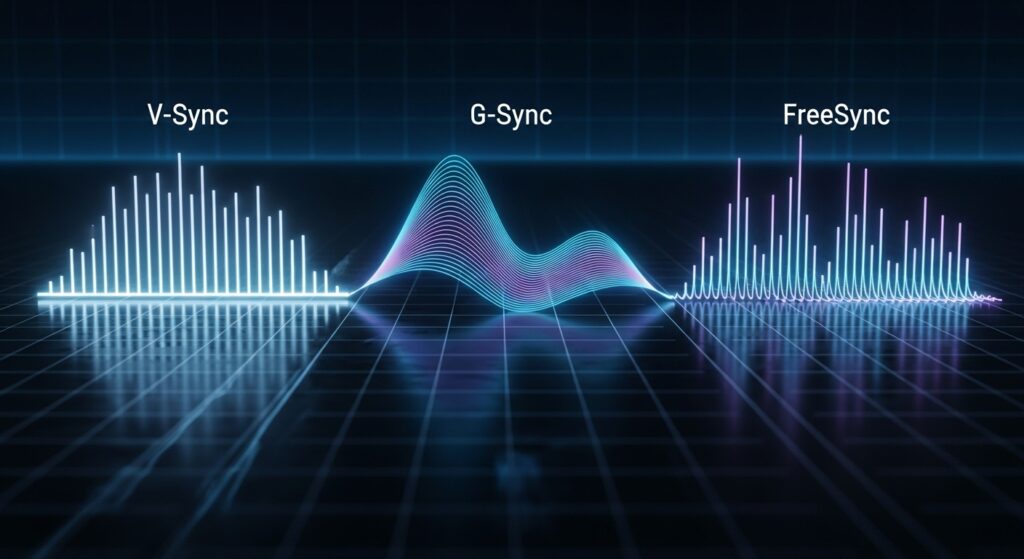
V-Sync
- Eliminates tearing
- Adds input lag
- Locks FPS to refresh rate
G-Sync
- NVIDIA technology
- Syncs refresh rate to FPS
- Reduces tearing and lag
FreeSync
- AMD-based
- Works with many NVIDIA GPUs
- Cost-effective adaptive sync
Does Higher FPS Always Matter?
Higher FPS improves responsiveness.
Higher FPS reduces latency.
But returns diminish beyond refresh rate.
Human perception varies by task and skill.
Vision Research Insights
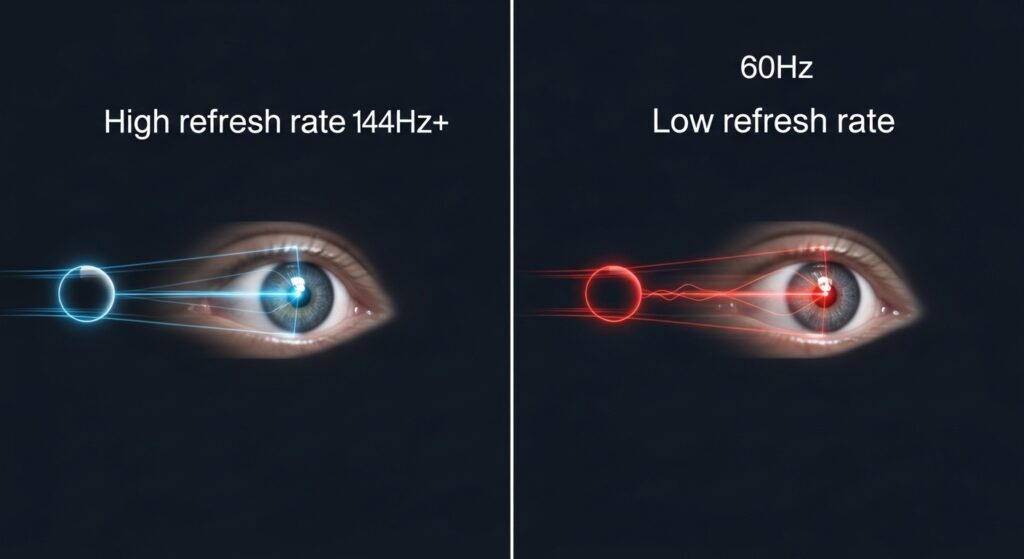
- Most users notice gains up to 144Hz
- Competitive players notice benefits beyond 144Hz
- Motion clarity improves more than sharpness
Best FPS vs Refresh Rate Pairings
Budget Setup
- 60 FPS + 60Hz
Mid-Range Gaming
- 75 FPS + 75Hz
- 120 FPS + 120Hz
Competitive Gaming
- 144 FPS + 144Hz
Professional Esports
- 240 FPS + 240Hz
FAQs
Is FPS more important than refresh rate?
Neither alone.
FPS creates frames.
Refresh rate displays them.
Both must be aligned.
Can a 60Hz monitor show 120 FPS?
No.
A 60Hz monitor can only display 60 frames per second.
Should FPS be higher than refresh rate?
Slightly higher FPS can reduce input lag.
Too much higher causes tearing.
FPS vs Refresh Rate for Local Buyers
Gamers searching for monitors near me should consider local availability.
High refresh rate monitors are widely available in cities like New York, London, Toronto, Karachi, and Dubai.
144Hz and 240Hz gaming monitors are common at electronics retailers and online marketplaces.
Pricing varies by region, brand, and panel type.
When searching locally, use modifiers like:
- best gaming monitor near me
- 144Hz monitor price in [city]
- gaming PC upgrade services near me
Final Verdict: FPS vs Refresh Rate
FPS vs Refresh Rate is not a debate.
It is a system relationship.
FPS creates smoothness.
Refresh rate displays smoothness.
When aligned, games feel fast, clean, and responsive.
When mismatched, performance is wasted.
Match your hardware to your goals.
That is how real performance is unlocked.
You have not enough Humanizer words left. Upgrade your Surfer plan.